
MFA Fatigue: Understand The Newest Cyberattack Trend and How to Stop It
Key Takeaways:
- If you didn’t request an MFA sign-in, deny it, even when the prompts keep coming and approving it would make the buzzing stop.
- A flood of unexpected prompts usually means someone already has your password. Change it immediately and let your administrator or security team know.
- Some MFA tools hold up better than others. Ask for a code to be sent to a known email address or number matching, rather than a simple push button to approve.
You’re in the middle of something when your phone buzzes with a notification. Your approval is needed for an account sign-in. But you didn’t just try to log in to anything, at least not in the last few minutes… except the notifications keep coming. So, to make the buzzing stop, you go ahead and approve the request, only to find out later that you allowed a hacker to access your information.
This is what the latest technique in cybercrime looks like, and it’s called Multi-Factor Authentication (MFA) Fatigue, also known as push bombing.
How It Works
 Multi-factor authentication secures your accounts by asking for something beyond a password. Most often, this involves a push notification sent directly to your phone in order to enable you to sign in. MFA is a proven tool that blocks most cyber criminals, which is why it’s commonly used today.
However, if an attacker gets a hold of your password, either through a data breach or a phishing page, they might use this MFA tool against you. In order to get access to your account, they will try to login over and over, and in turn, your phone lights up again and again with MFA requests. The attacker hopes you’ll approve the prompt out of irritation, confusion, or under the assumption that it’s just a glitch.
“Similar to so many other fraud attempts, push bombing is targeting the human rather than the technology,” explains Amy Foulks, president and CEO at First Utah Bank. The technology works as designed. The attacker is looking for someone who isn’t paying close attention, or perhaps unsure what the notification is really for.
Some attackers will also message their target directly, pretending to be IT support and offering to clear up the issue—if you just approve the login request. This makes targets feel safe, like they’re just helping someone out, but in reality they’re letting a stranger access their account. Foulks says that a call like this often follows the MFA prompts, and “because the attacker is aware that the user received the request for approval, they are automatically trusted a bit more.”
Protecting Your Accounts
Approving an MFA prompt only takes a second, which is why it’s such an efficient tool for securing your accounts, and it’s also why hackers are starting to lean into it as a means to get your data. And when your phone is buzzing non-stop with an MFA request, approving it might feel like the polite move.
You can help prevent these kinds of attacks by staying vigilant when it comes to approving MFA prompts. If you didn’t just try to sign into your account yourself, don’t approve the request.
If you suspect you’re being targeted with MFA fatigue, reach out to your account’s administrator or security team as soon as possible, and let them know what’s happening. Make sure you’re contacting the correct help desk and that they confirm your identity through a set process. Real IT staff will never ask you to approve a login for them. If someone does, reach them through a channel you already use.
The most important thing to remember here is to deny any MFA request you didn’t start. If they keep coming, someone likely has your password—which means you should change it as soon as possible.
Choosing Stronger Authentication
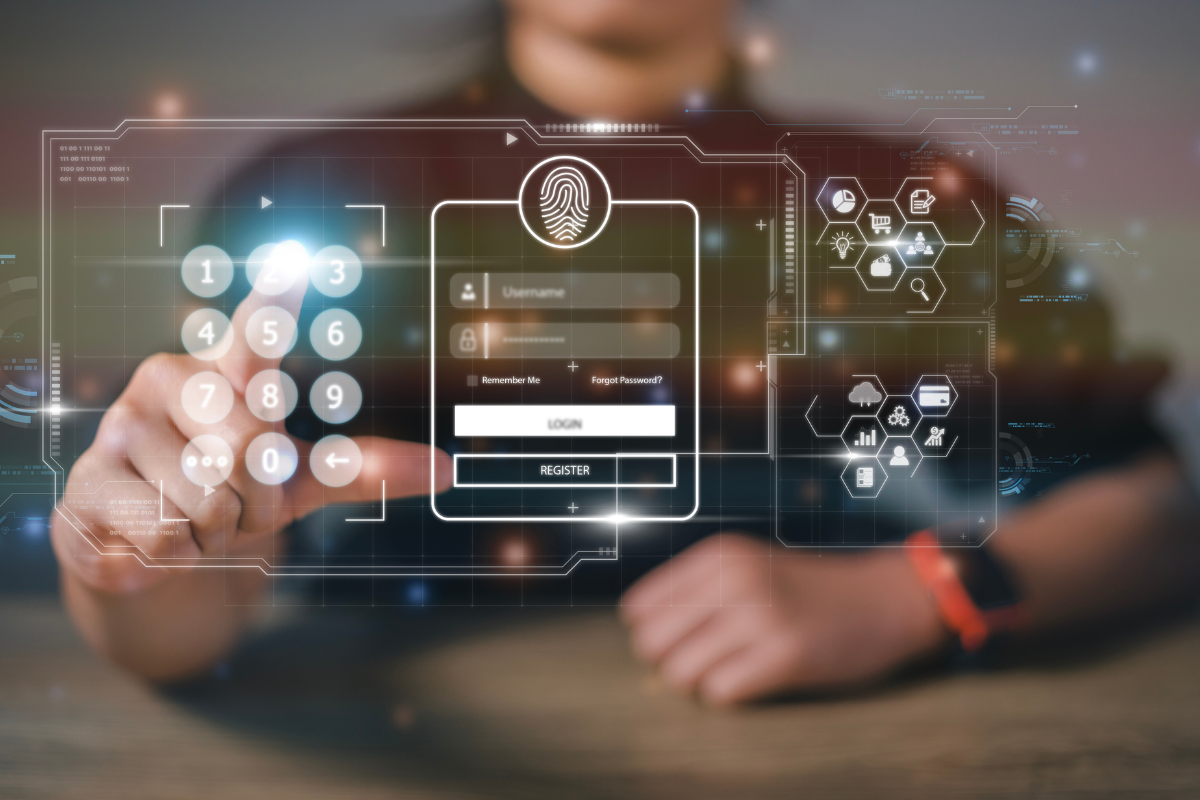 Not every form of MFA holds up equally well. “Simple push and SMS delivery of authentication codes are weaker than other authentication methods,” says Foulks. Her preference is a series of letters or numbers delivered to a known email address instead of an “Approve” button. “Unless the bad guy has access to the email address receiving the code, they’ll have a harder time gaining access to the system.”
Number matching is another strong option. Many Google systems use it, asking you to match the code on the login screen to the one in the app, so blind taps don’t work. Taking that extra step to adequately address the MFA hygiene of your accounts is an important way to make sure your assets are secure.
Education Is the Best Defense
Once you know about it, you can’t unsee it. MFA only protects us if we are aware that an unexpected prompt means someone may have our login credentials. If one appears and you didn’t request it yourself, deny it and report it.
“It’s all about education,” says Foulks. “But it’s also worth remembering that First Utah Bank employees will never ask for your username, password, or authentication information.” If someone reaches out to you impersonating a First Utah Bank staff member, please reach out to us immediately.